Turn every message
into a task for
your AI agents.
They handle enquiries, qualify leads and look after every customer over WhatsApp, social media, email and phone; your team steps in only when it genuinely adds value.
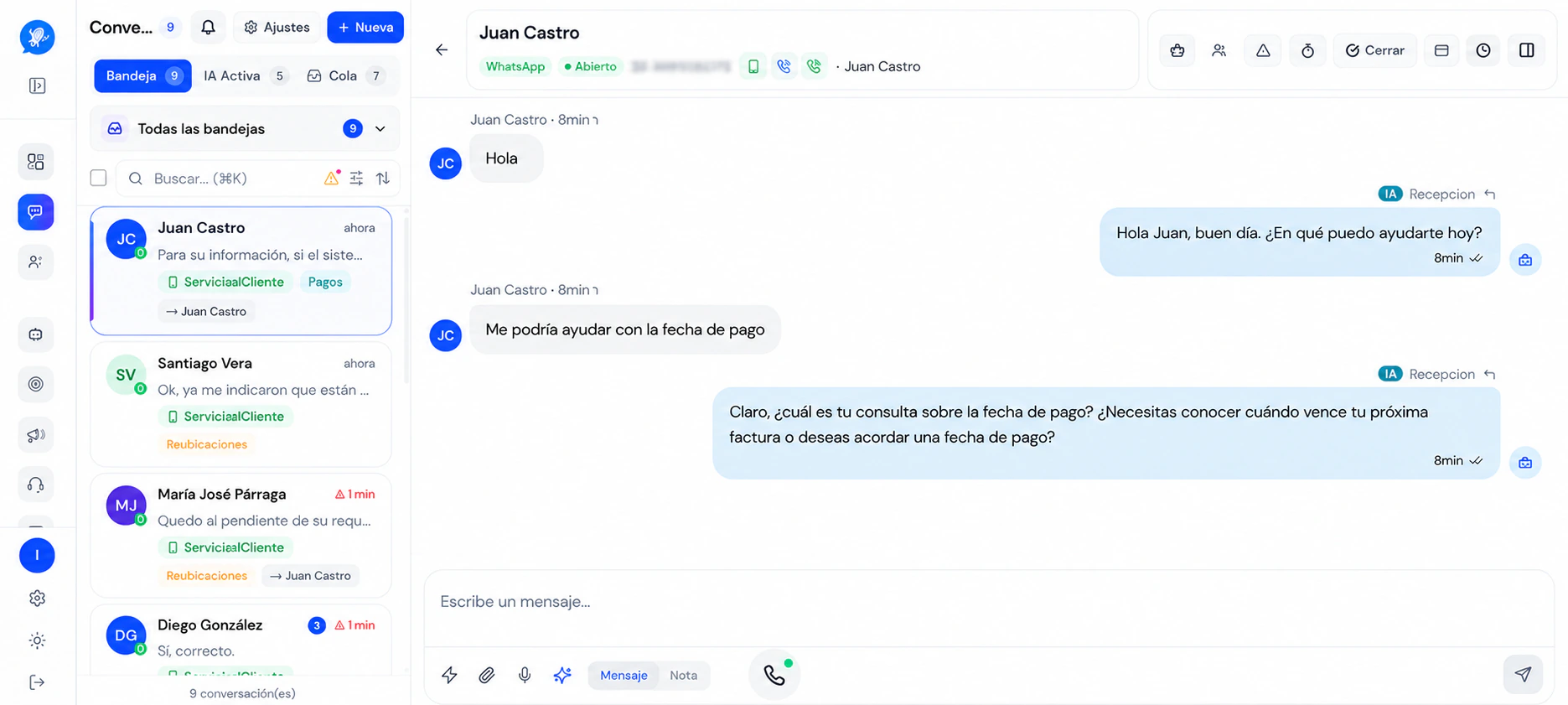
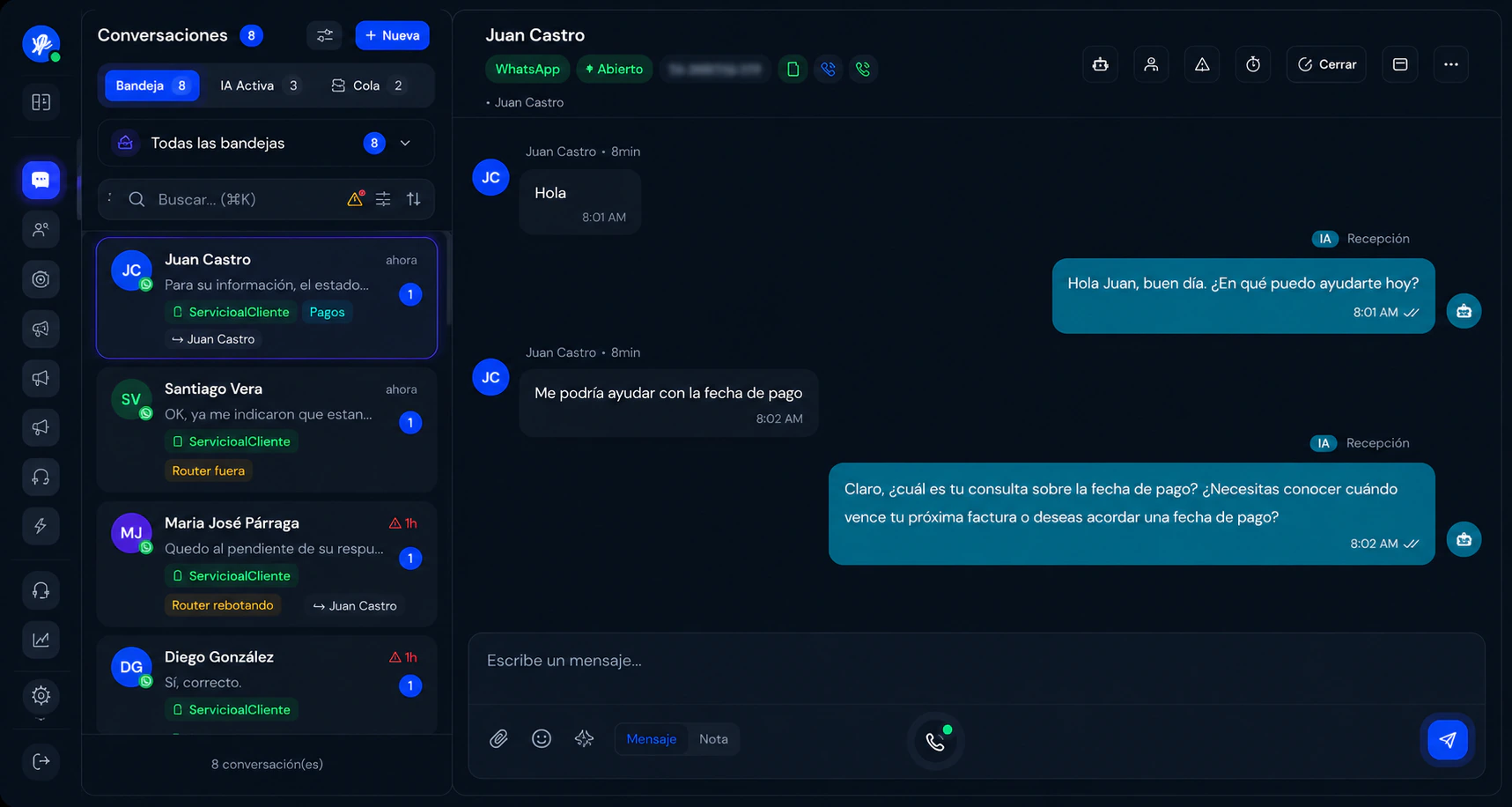
Your customers call you on WhatsApp.
AI answers.
The call button already inside the chat: the customer taps it, spends no credit and dials no number.
WhatsApp calls / answered by AI, instantly
Phone system / PBX: extensions, queues and recordings
Escalation to a person / the call moves to your team without dropping
They answer in seconds.
All day. No shifts.
Your AI employees serve customers, book appointments, collect payments and even run campaigns — and only call you in when a person is genuinely needed.
-
They reply in under 10 seconds, at any hour
-
They book appointments, send payment requests and log every lead
-
They run WhatsApp campaigns and measure the results
Live activity
Call in progress · WhatsApp
Handled by your AI employee
Payment received
$180.00
Campaign sent
1,200 contacts
Appointment booked
Tuesday 10:30
New lead
Lucía Paredes
Call answered
Duration: 1:12
Escalated to a person
Billing case
Payment received
$180.00
Campaign sent
1,200 contacts
Appointment booked
Tuesday 10:30
New lead
Lucía Paredes
Call answered
Duration: 1:12
Escalated to a person
Billing case
Your AI employee has logged 49 actions today
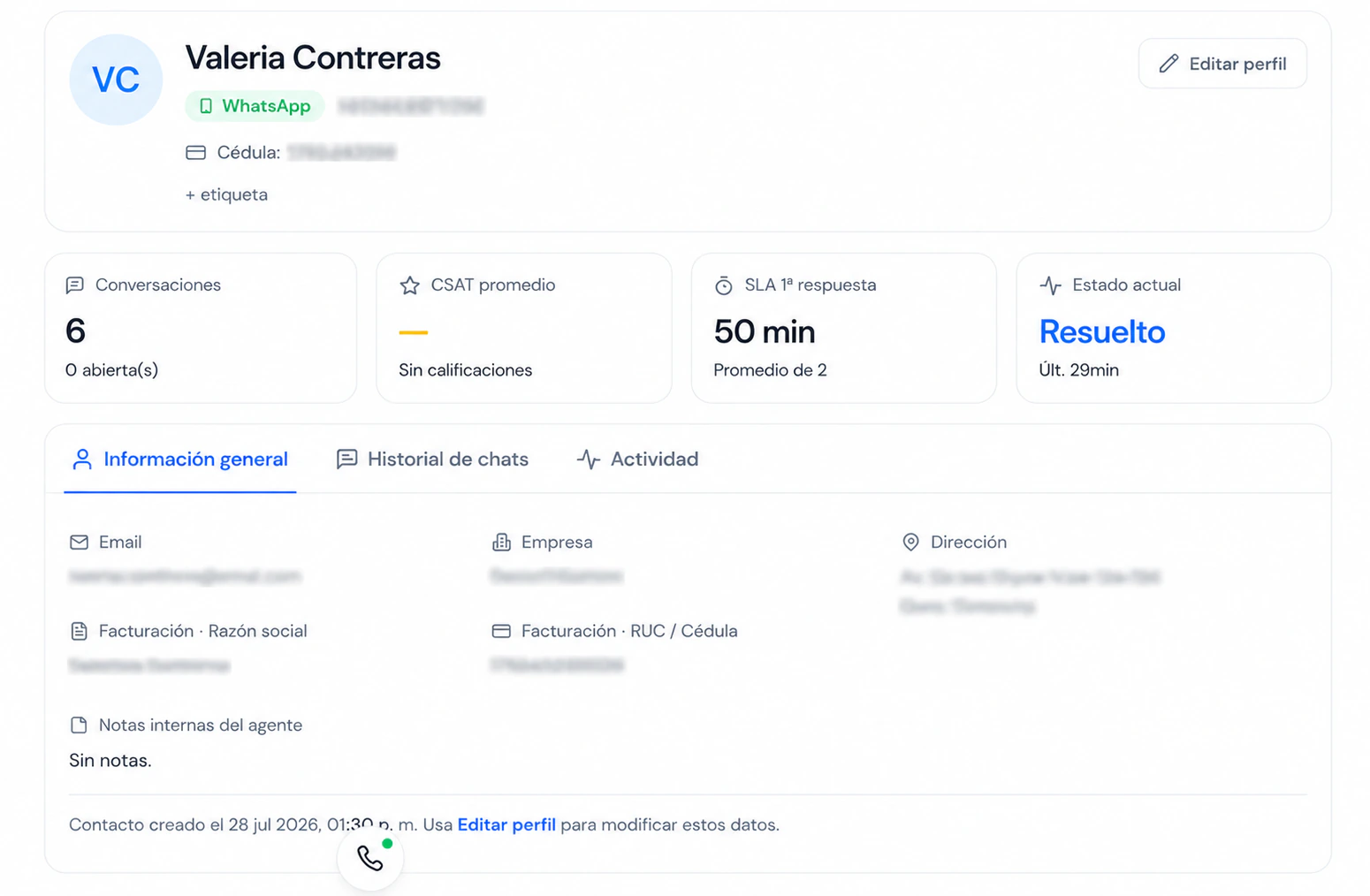
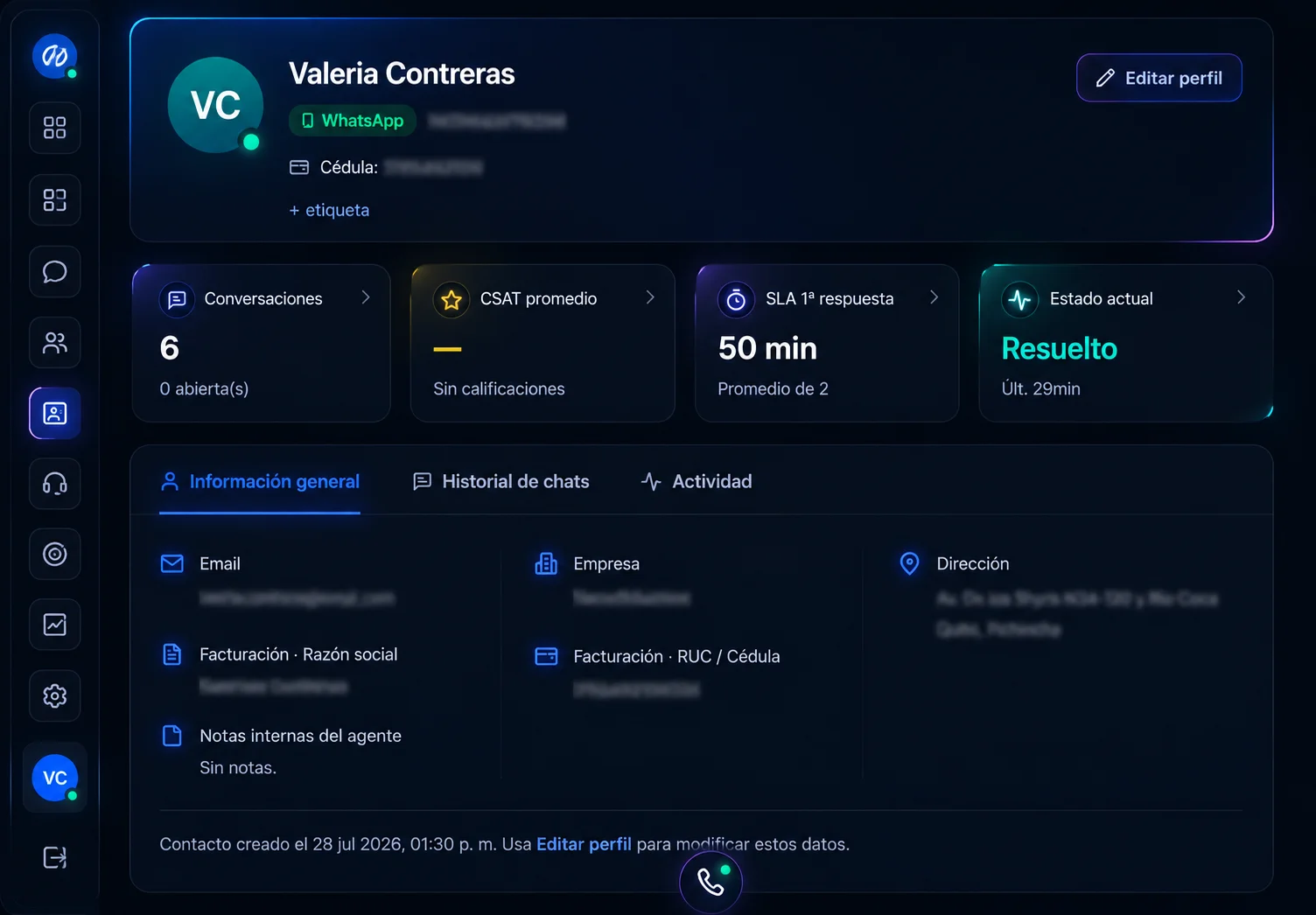
One conversation per customer, whichever channel they use
Bring every communication channel into a single shared inbox for your human team or your AI employees.
-
Full history and customer record
-
Teams, tags and assignment
-
Quick replies and business hours
Campaigns that write themselves
The AI writes the message, designs the image and sends it to thousands of contacts over WhatsApp. You just approve it.
Write
Writes the message in your brand voice and tailors it to each customer.
Design
Creates the image or video for the ad, with no designer or agency.
Send and measure
Sends it to thousands of contacts over WhatsApp and tells you what worked.
conversations resolved without a human
response in under 5 seconds
24/7 coverage
Shobix connects to Google Calendar
If your organisation switches it on, Shobix connects a Google Calendar account to check availability and create the appointments the agents book. It is optional: you authorise it on the Google permissions screen and can withdraw it whenever you want.
How we handle Google Calendar dataWhat it reads
The list of your calendars and the events in the one you connect, to know when you are busy and work out the free slots.
What it writes
The appointment: date and time, patient, practitioner, service and location. Never clinical notes or diagnoses.
On disconnection
Synchronisation stops and the authorisation token we held is deleted.